Product Selection Methods
The Price Rules app provides two distinct methods for selecting which products receive a discount:
- Smart Rules for dynamic, logic-based filtering
- CSV File Upload for static lists
Method 1: Smart Rule (Recommended)#
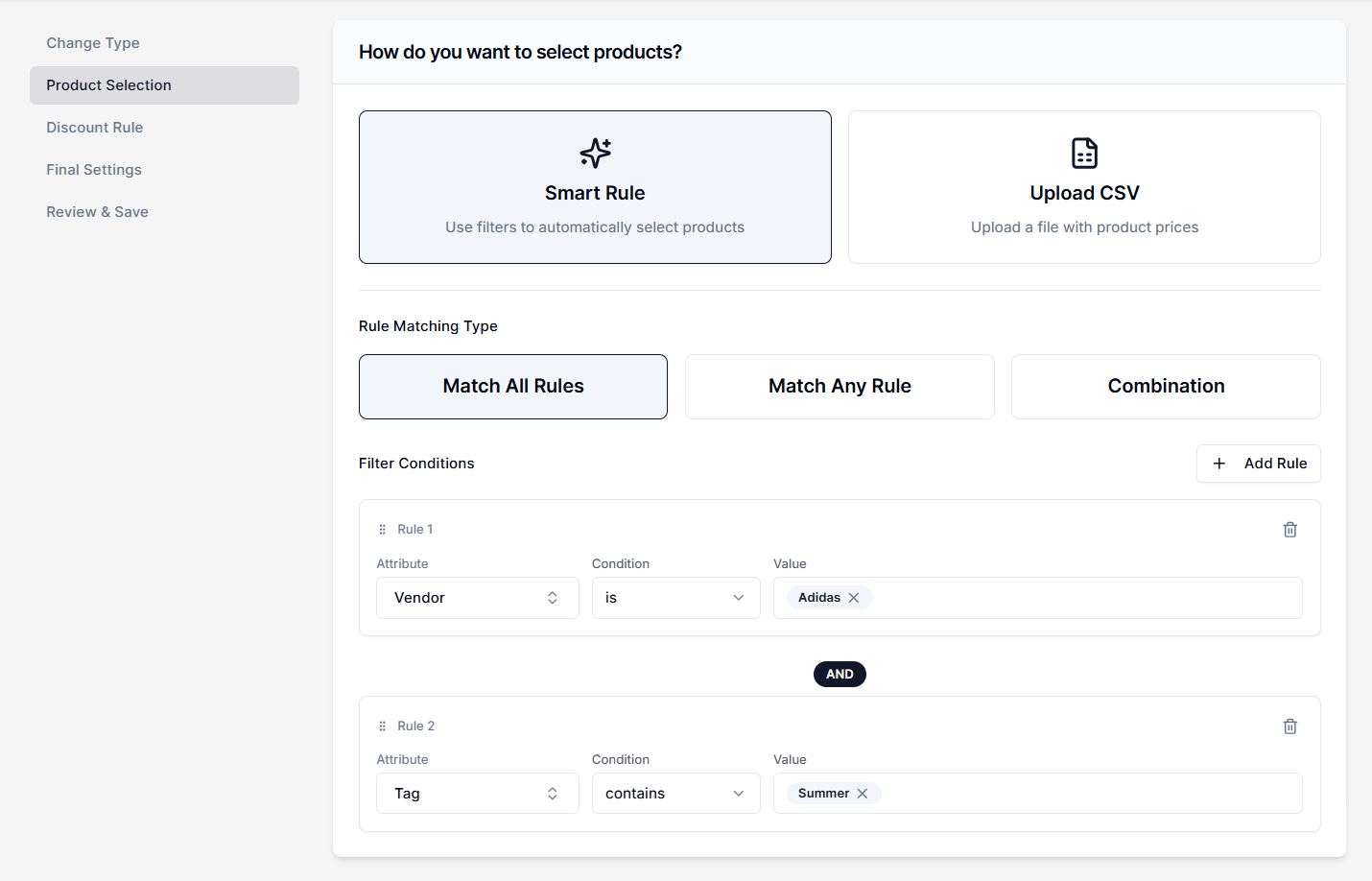
The Smart Rule uses a filtering engine to target products based on their existing Shopify attributes, such as Metafield, Tag, Product Title, Vendor, Variant Price, etc.
To create a price change using Smart Rule, you must know how to define conditions to match products. For details about the procedure, read the Rule Matching Types and Filter Products article.
Method 2: Upload CSV Files#
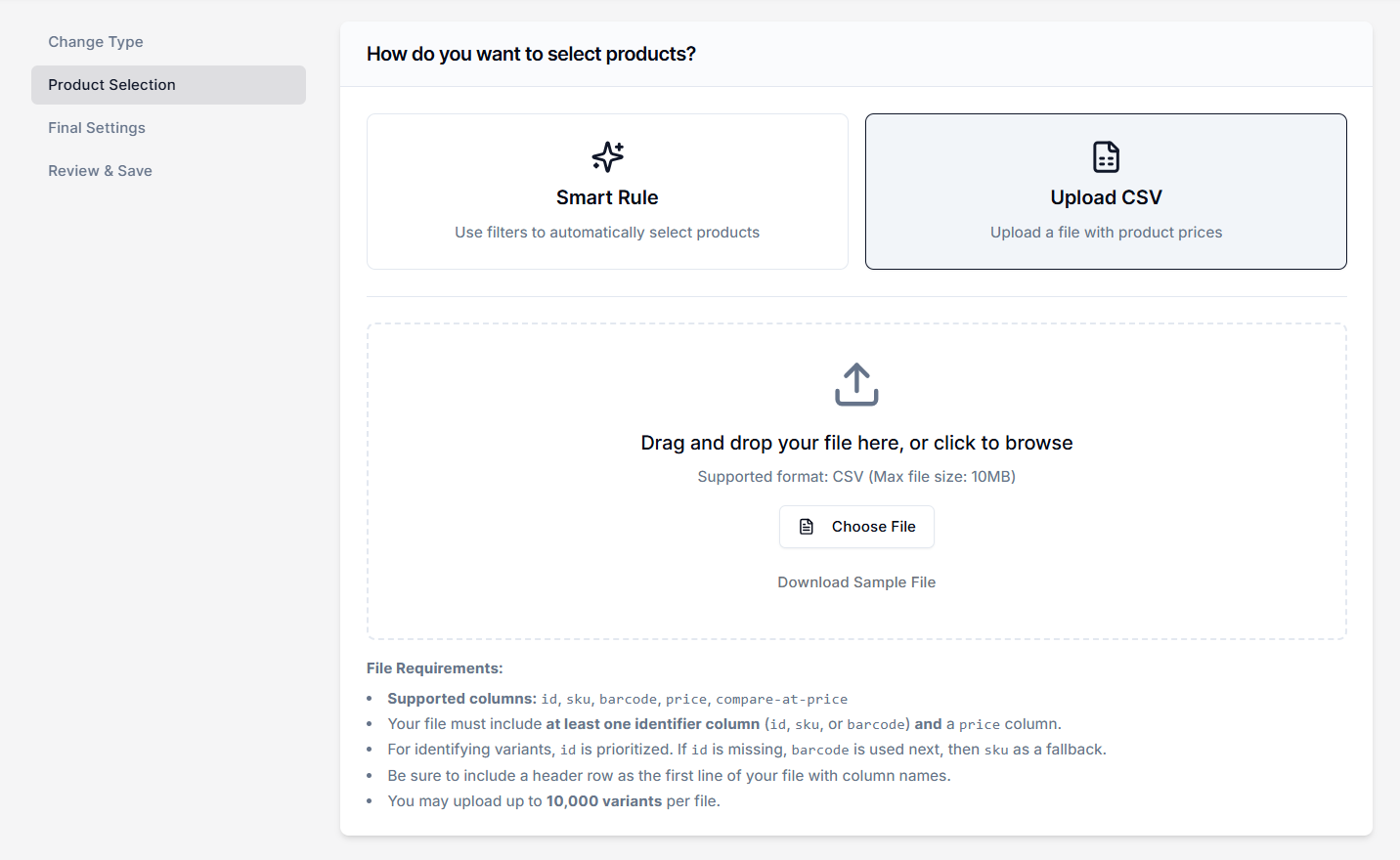
The CSV Upload method lets you import a static list of products through a spreadsheet. This is the preferred method when working with external data sources, such as a supplier-provided discount list or a specific inventory sheet. You can use this to change item prices.
How Does It work?#
The CSV file acts as a precise targeting mechanism. It tells the app exactly which products to select for the sale and defines the specific pricing parameters for those items.
Upload focuses strictly on pricing operations. It will not change product titles, descriptions, or inventory levels in Shopify.
File Requirements & Data Columns#
To ensure a successful upload and accurate calculation, your file must contain specific columns for product identification and pricing data.
Required Pricing Columns#
In addition to identifying the product, your CSV upload must include columns for Price (after discount) and Compare-at-Price. This allows the system to map the intended sale values to the selected variants accurately.
Hierarchy for Matching Identifiers#
-
Variant ID (Highest Priority): The system first looks for an "id" column. If present, it uses this to identify the item. This is the safest method as IDs are unique to every variant in Shopify.
-
Barcode (Secondary): If the ID column is missing or empty for a row, the system automatically checks for a barcode column next.
-
SKU (Fallback): If neither an ID nor a Barcode is found, the system falls back to the "sku" column to match the product.
Dynamic vs. Static Scope#
Smart Rules Are Dynamic#
If you create a rule targeting the tag “Summer”, and you add that tag to a new product later, the app will automatically include that product in the sale.
CSV Uploads Are Static#
The app targets only the specific identifiers listed in the CSV file at the time of upload. If you add new products to your store, you must upload a new CSV file to include them in the sale.
Need Help?#
If you’re unsure whether to use Smart Rules or a CSV Upload, need help formatting your file correctly, or are experiencing issues with identifier matching, our support team can review your setup.
Email support@bevycommerce.com, and we’ll help you target products accurately.